Book a salon service
Need a haircut, beard trim, facial, or another service? Choose the section that matches the service you want, then select a salon and book your seat.
Choose the right path to book a service or grow your salon online.
Need a haircut, beard trim, facial, or another service? Choose the section that matches the service you want, then select a salon and book your seat.
Create an account as a shopkeeper, then use the Register Salon button. Add your salon name, photo, timings, location, and services so customers can find you.
Create Shopkeeper AccountOpen Your Profile, then select View Shop to update your details or manage services. Salon removal needs your confirmation and an OTP sent to your registered email.
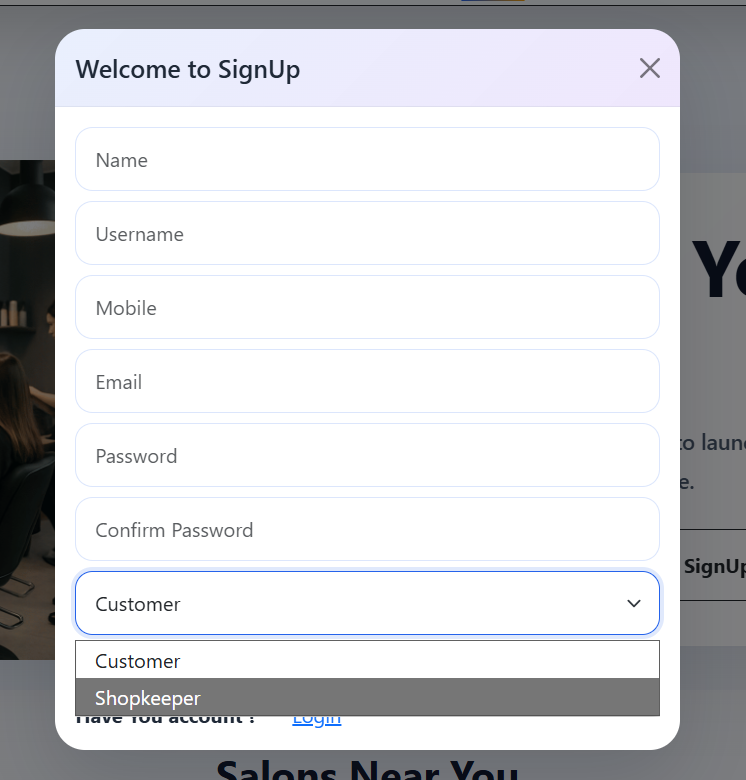
Open ProfileClick Signup, complete your details, then select the role that fits you in the final dropdown.
After verification, use Male Services or Female Services to book a haircut, facial, beard trim, or other service.
Create Customer AccountAdd your salon details, location, opening hours, and services to start receiving bookings.
Create Shopkeeper Account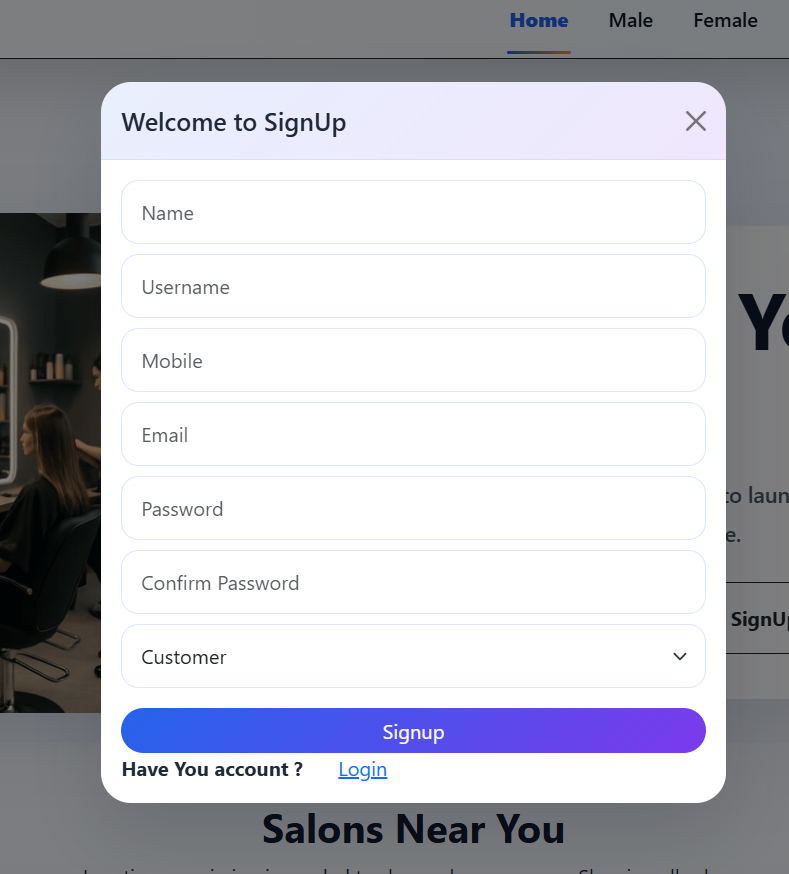
Use the correct option based on what you want to remove.
Your salon stays active in SnipAlert, but it will no longer show in nearby-salon results or have a map pin.
Your salon, services, and listing are hidden from customers. The record is kept safely as a soft delete and is not permanently erased.